
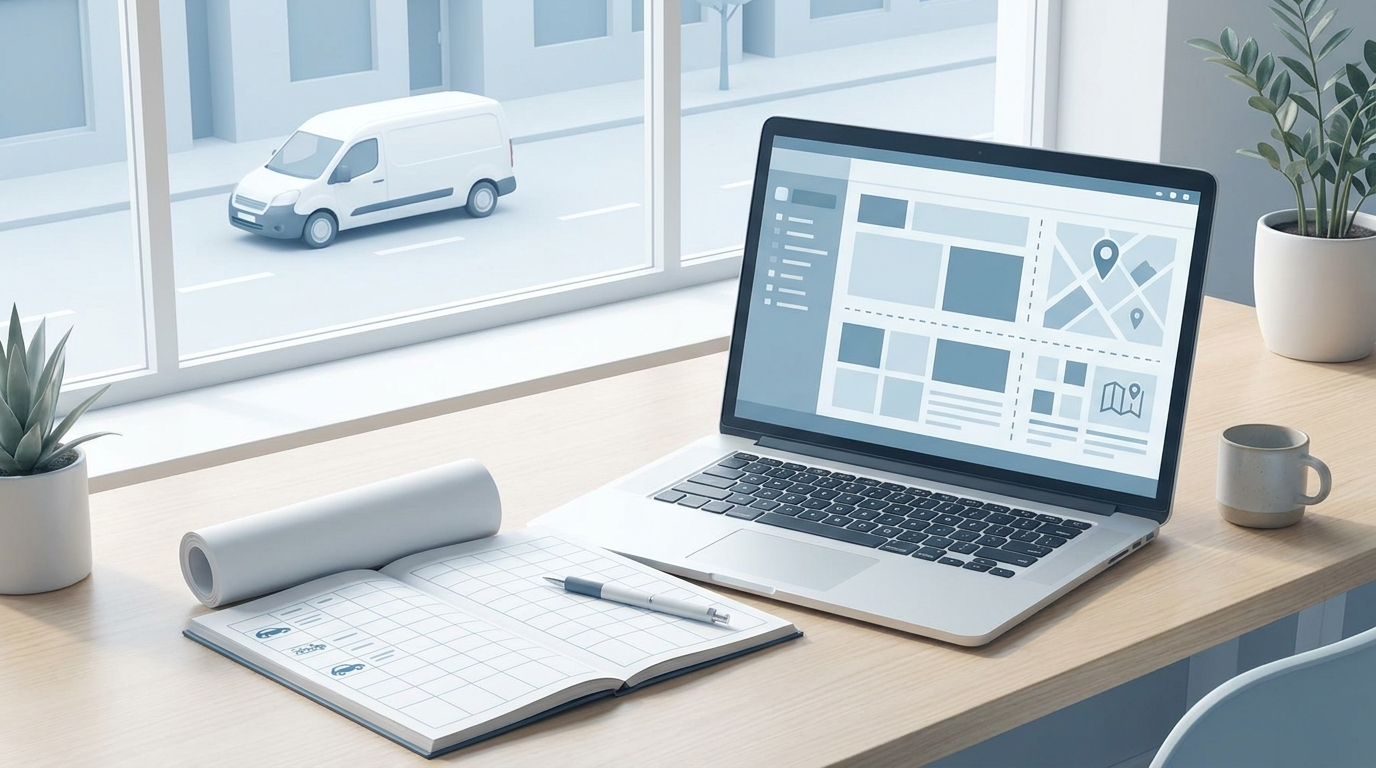
In logbook template is often the first step when a company wants to get its business travel, mileage allowances and company car usage in order. It can work well on a small scale, especially if there is only one car and few journeys. But as soon as multiple drivers, regular customer visits or company cars are involved, the issue becomes bigger than the template itself: how do you ensure that every journey is actually recorded correctly?
In this guide, we’ll look at what a logbook template needs to include, when Excel or PDF is sufficient, and when it makes more sense to switch to a digital logbook with Boomr Fleet. The aim is not to make the administration more complex, but to reduce the risk of missed journeys, manual errors and unnecessary work in relation to payroll data, bookkeeping or auditing.
A good logbook template should make it easy to document how the car is used. This is particularly important for businesses, as the logbook can serve as a basis for mileage allowances, company car benefits, fuel allowances or internal monitoring of vehicle costs.
The Swedish Tax Agency describes the logbook as a way of showing how the car is used, and states that it can be kept on paper, on a computer or electronically. The important thing is that it is up to date, accurate and detailed. A template should therefore include fields for:
For an employee who uses their own car for work, the template may also need to be linked to travel expense claims and mileage allowances. In the case of a company car or a company-provided vehicle, it is particularly important to distinguish between private and business use, as this distinction affects taxation and the employer’s accounting records.
A logbook template isn’t a bad idea. For some companies, it’s a perfectly reasonable starting point. It works best when usage is straightforward, the number of journeys is low, and the driver is disciplined enough to fill in the details immediately after each journey.
Typical situations where a template may suffice are:
The advantage is simplicity. An Excel template or PDF requires no installation, no onboarding and no new licence. It can be shared immediately, printed or saved to a folder. That is why many template pages rank highly: searchers want a document they can download straight away.
But the major weakness is also clear. A template does not record anything automatically. If a driver forgets to log a journey, enters the wrong address or tries to reconstruct the week retrospectively, the data becomes less reliable. The more vehicles and drivers you have, the greater the risk.
Manual logbooks often become a problem when a business grows from a simple routine into a recurring administrative process. This is particularly true for companies with service vehicles, sales staff on the road, tradespeople, consultants, shared vehicles, or employees who mix private and business driving.
The most common risks aren’t dramatic in everyday life, but they can become costly over time:
A template may therefore look perfectly fine, but it can still be unreliable if the working methods surrounding it are poor. This is where companies often realise that they aren’t actually looking for a more attractive Excel file. They’re looking for a way to avoid manual checking work.
The choice between a logbook template and a digital logbook comes down to the level of control. A template is a blank document. A digital solution is a system that automatically records journeys, helps the driver categorise them and provides the company with reports that can be followed up on.
| Needs | Logbook template | Digital driving log |
|---|---|---|
| Get started quickly | Easy to download and start filling in | Requires some initial setup but saves time in the long run |
| Automatic registration | No, everything is filled in manually | Yes, journeys are logged automatically |
| Several drivers and cars | It quickly becomes difficult to coordinate | Provides a comprehensive overview of vehicles and journeys |
| Reduce errors and missed journeys | It depends entirely on the driver's experience | Reduces the risk through automatic logging |
| Reports to Finance | Requires manual compilation | Reports can be produced digitally |
| Scalability | Best suited for simple use | Ideal for businesses looking to standardise their processes |
For companies that only undertake the occasional business trip, the template may be sufficient. For companies with multiple vehicles, regular journeys or a need for monitoring, a digital logbook is often more cost-effective as it shifts the workload from manual checking to automatic recording.
Boomr Fleet is designed for businesses that want to do away with manual logbooks. Instead of each driver having to remember the date, route, addresses and purpose of the journey after the fact, journeys are recorded digitally. This provides better oversight for drivers, administrators and the finance department alike.
The most important thing isn’t just GPS tracking. It’s that the journey log becomes part of the company’s workflow. When journeys are recorded automatically, it becomes easier to:
For companies with vehicles operating across multiple assignments, Fleet can also be integrated into a broader fleet management approach. If you’d like to consolidate vehicles, locations and driving logs into a more cohesive system, you can read more about Boomr Fleet as a fleet management system.
The easiest way to choose is to start by looking at the reality of the situation within the company, not by seeing which document is quickest to download. Ask yourself three questions:
If the answer is that you have few journeys, low risk and a single person responsible for the process, a logbook template could be a good first step. If the answer is that you have several drivers, regular journeys, company cars or monthly reports, it is usually better to automate the process from the outset.
This is particularly true in sectors where vehicles are integral to the service provided: construction, maintenance, installation, field sales, on-call services, property management and other businesses where staff are out visiting customers. In these cases, the logbook is not merely an administrative document, but an integral part of managing the day-to-day running of the business.
A mileage log template should include the date, odometer reading, start and end addresses, reason for the journey, distance travelled, and an indication of whether the journey was for personal or business purposes. For businesses, it is also useful to include the driver’s name, vehicle registration number and authorisation.
The Swedish Tax Agency accepts that a logbook may be kept on paper, on a computer or electronically. The format is less important than the fact that the information is up to date, detailed and sufficient to show how the car has been used.
A free template may be sufficient when there are only a few journeys, a single car and clear procedures. If several employees, company cars or company-provided vehicles are involved, there is a greater risk that manual tasks will be overlooked or carried out incorrectly.
A logbook template is a manual document. A digital logbook records journeys automatically and provides the company with ready-made reports, thereby reducing administrative work and the risk of incomplete records.
Yes. Boomr Fleet replaces the manual template with an automatic digital logbook, a comprehensive history and reports for companies looking to reduce the time spent on these tasks and gain better control over business travel and vehicle usage.
A logbook template can be a good starting point, but it doesn’t solve the biggest problem: ensuring that every journey is recorded correctly and on time. For businesses looking to reduce manual work, improve data accuracy and avoid having to hunt for Excel files, the next step is to let the logbook system handle things more automatically. Find out more about Boomr Fleet and see how a digital logbook can make life easier for both drivers and administrators.

 SV SV
SV SV  NO
NO
 FI
FI
 EN
EN