
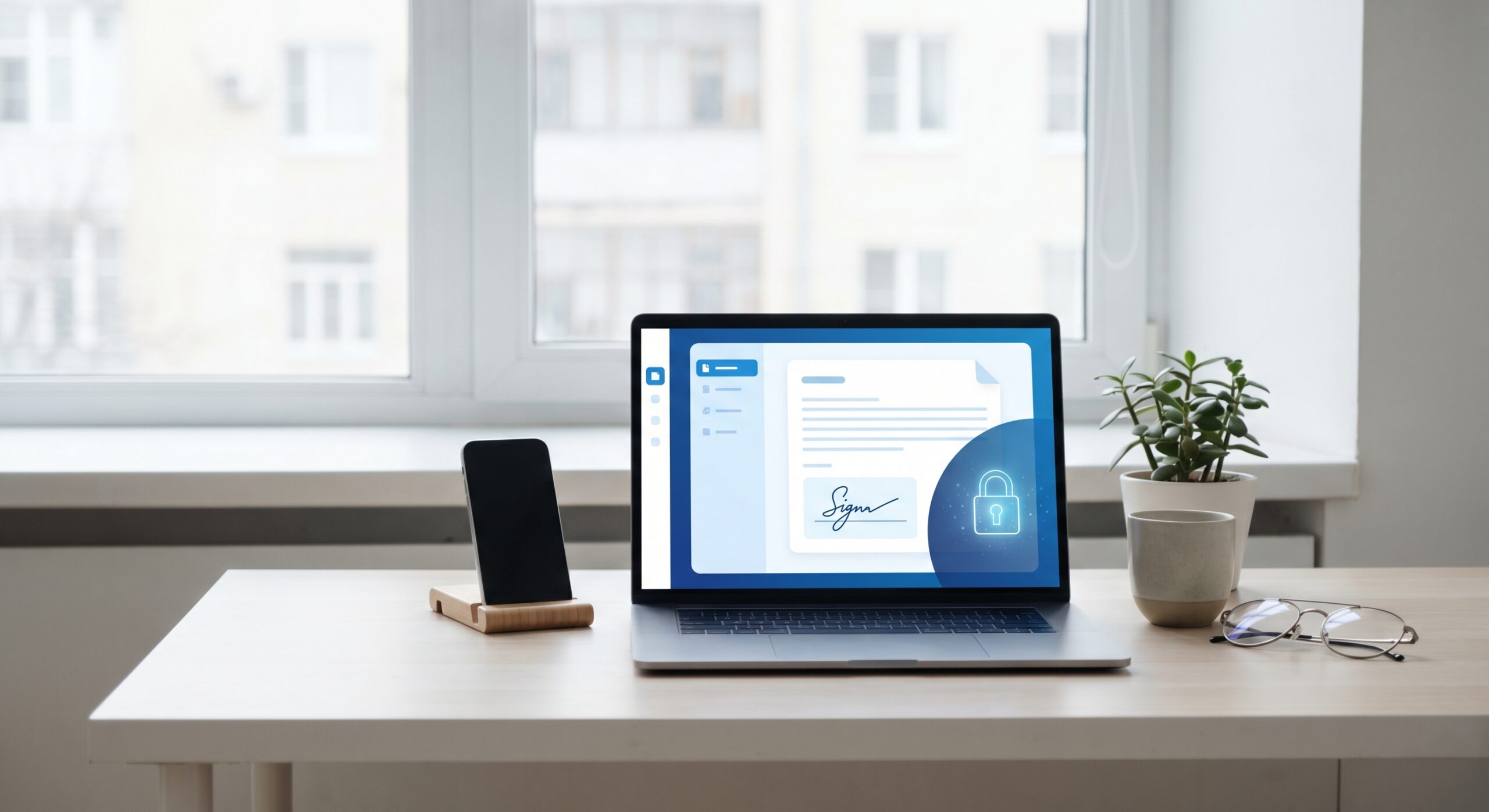
Electronic signing speeds up the finalisation of contracts, reduces administration and provides better control throughout the signing process. This guide explains how electronic signatures work, when they are legally binding, which documents are most suitable and how businesses can choose the right solution.
Electronic signature means that a contract or document is signed digitally instead of by pen on paper. For businesses, it's often used for quotes, customer contracts, consultancy agreements, supplier contracts, employment contracts and other documents where speed and traceability are important.
In practice, the document is sent to one or more recipients who sign via mobile phone or computer. The solution can use BankID, email verification or other identification methods, depending on the level of security and the intended use.
The biggest win is not just about cutting out paper. It's about shortening lead times, reducing lost business and gaining better control over every step.
Yes, in most business contexts, electronic signatures are legally binding. In the EU, it is regulated by eIDAS. This means that electronic signatures can be valid, but the right level of identification and documentation is important depending on the type of contract.
For many common business contracts, a smooth digital process goes a long way. For more sensitive processes, stronger identification, such as BankID, may be appropriate.
However, there are exceptions where a physical signature is still required or where specific rules apply. Therefore, businesses should always check what applies to their particular document type.
Electronic signing is particularly suitable when the contract flow needs to be fast and when several people are involved.
For organisations with recurring document flows, the effect is particularly clear. The more contracts sent each month, the greater the time savings.
A common objection is that it only takes a few minutes to print, sign, scan and return a contract. But in reality, it often becomes a chain of small steps that create friction.
Manual signing often means:
Instead, electronic signing brings the entire flow together in a process where documents are sent, signed, followed up and archived digitally.
| Area | Electronic signing | Traditional signing |
|---|---|---|
| Speed | Often on the same day | Often several days |
| Follow-up | Automatic reminders | Manual follow-up |
| Traceability | Clear log and status | Fragmented in emails and folders |
| Accessibility | Mobile phones and computers | Often requires printing or scanning |
| Archiving | Automatic and searchable | Manual and time-consuming |
| Risk of losing contracts | Lower | Higher |
Not all e-signature tools are created equal for businesses. Many start with a simple signing service but soon realise they need more than just a signature.
If the process feels complicated to the recipient, conversion drops. It should be easy to open, read and sign the contract directly.
For many Swedish companies, BankID is an important security measure, especially when contracts concern finances, liability or sensitive relationships.
It should be easy to see who has opened, who has signed and who is waiting. Automatic reminders save a lot of time.
Once the contract is finalised, it should not disappear in anyone's inbox. A good solution helps you save and find documents quickly.
If the company grows, the solution needs to work for more users, more contracts and clearer processes.
For companies that already work digitally, the next step is often to standardise the signing flow. Boomr Sign is built to make that easier.
For companies that also work with contracts on a larger scale, it may be natural to combine the signing flow with digital contract management, so that the entire process from draft to archive becomes more coherent.
The time saved depends on how many contracts the company handles. But even at relatively low volumes, the effect is clear.
If a company sends 20 to 50 contracts per month and each contract otherwise requires manual reminders, document chasing and local storage, the total administration cost quickly becomes higher than you think.
In addition, there is a hidden cost in slow closings. The more steps between sending the contract and signing it, the greater the risk that the deal will stall.
For many companies, it is sufficient to start with one type of contract, such as tenders or customer contracts, and then build from there.
When companies digitise their signing process, it's rarely just about saving minutes. It's about creating a better flow in the entire transaction.
Electronic signatures make it easier to get contracts signed on time, reduce manual labour and give teams a clearer overview. For Swedish companies that want to work faster and in a more structured way, it's often one of the easiest digitisations to make.
Want to make signing easier in practice? Take a closer look at Boomr Sign or read more about digital signing with BankID.
Yes, in most business contexts, electronic signatures are legally binding. The level of security needed depends on the type of document and the situation.
The terms are often used as synonyms in everyday language. Technically, digital signature can refer to a more specific type of electronic signature.
Yes, many companies use BankID to provide strong identity verification for electronic signing.
Customer contracts, tenders, consultancy agreements, supplier agreements, confidentiality agreements and many HR documents are common examples.
Some document types and legal situations may still require a physical signature or specific formalities. Always check what applies to the document.

 SV SV
SV SV  NO
NO
 FI
FI
 EN
EN